Analytics & Automation
Stop Forgetting to Follow Up: Reminders That Send Themselves
Winning a client is only half the job — the businesses that grow fastest are usually the ones that stay in touch afterwards. The trouble is, "remind me to check in with this client in three months" is exactly the kind of task that quietly falls off a to-do list. NexaOne CRM handles this with worklists that build themselves.
Reminders that appear without you adding them
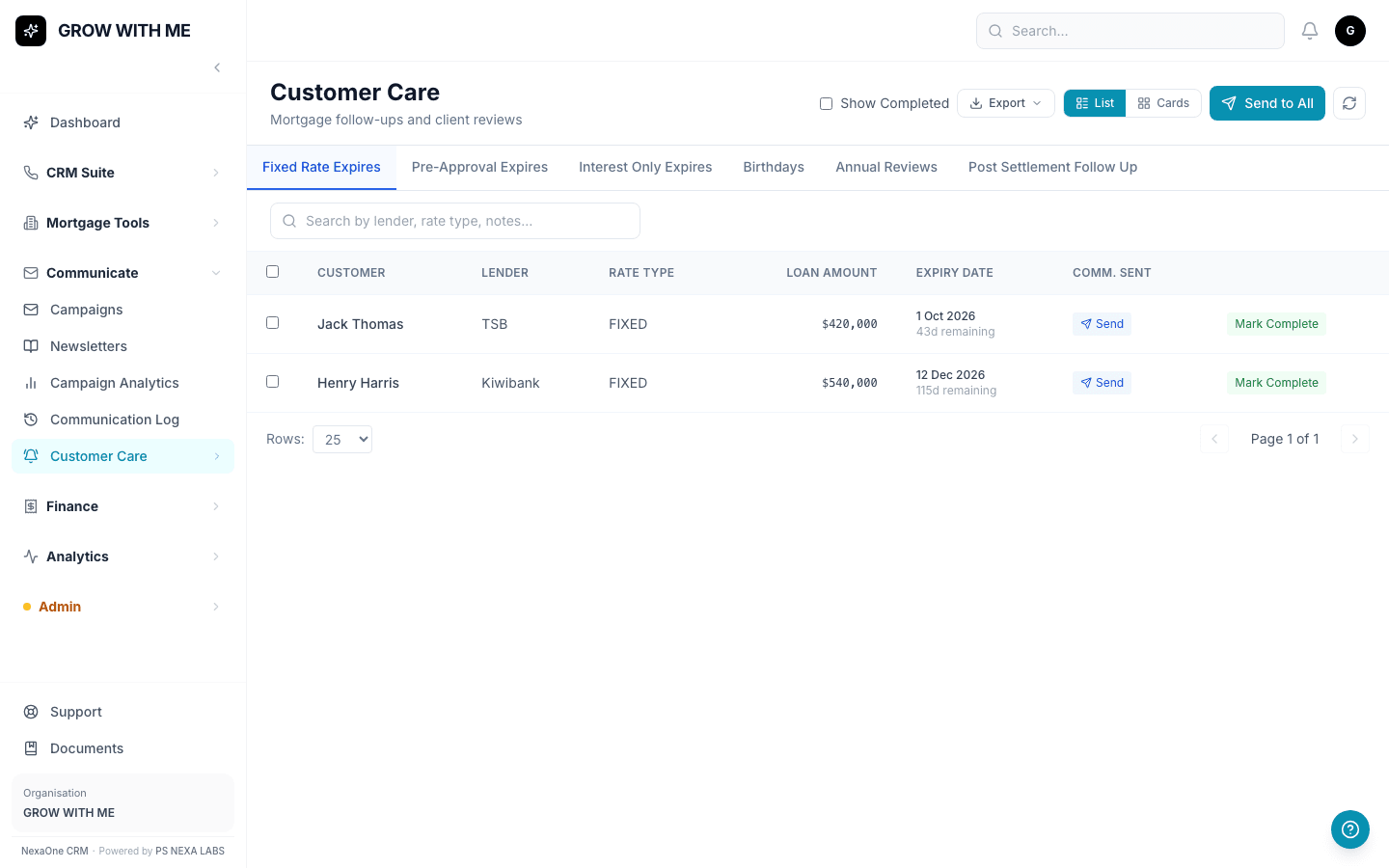
For mortgage clients, Follow-Ups tracks fixed-rate expiries, pre-approval expiries, birthdays and yearly reviews — and most of these appear automatically. Settle a loan today, and a "check in after settlement" reminder quietly appears 90 days later, with nobody needing to set a calendar alert.
The same idea for insurance clients
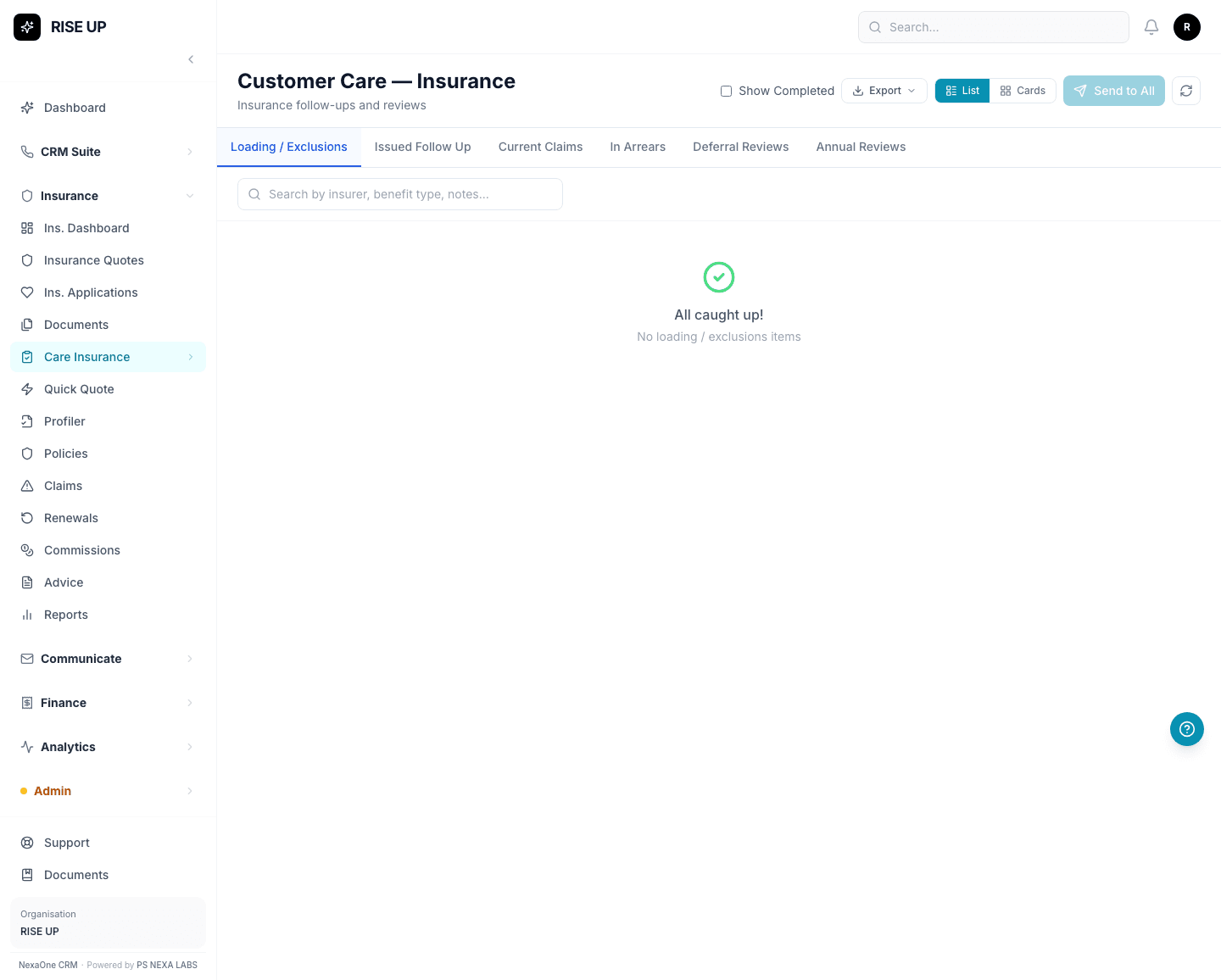
Insurance Follow-Ups works the same way, grouping clients into tabs like issued policies to check in on, current claims, and annual reviews due. Tick who you want to contact, send a template email, and mark them complete once you've spoken — a working list, not a guessing game.
Automations for the busiest teams
For businesses that want to go a step further, Automations can send a template email — or simply create a task for someone — the moment a trigger happens: a fixed rate approaching expiry, an invoice going overdue, a lead moving to a new stage. It's usually something an admin sets up once, rather than something you touch day to day.
None of this replaces a genuine phone call. It just makes sure you remember to make it.