CRM Suite
Never Lose Track of a Client (or a Referral) Again
Most small businesses start with client details spread across a few places — a spreadsheet, an email inbox, a notebook by the phone. It works fine until you're trying to remember who you spoke to last month, or a teammate needs a client's details and you're on holiday. A CRM fixes that by giving every client one page that anyone on your team can open.
One list, everyone's clients
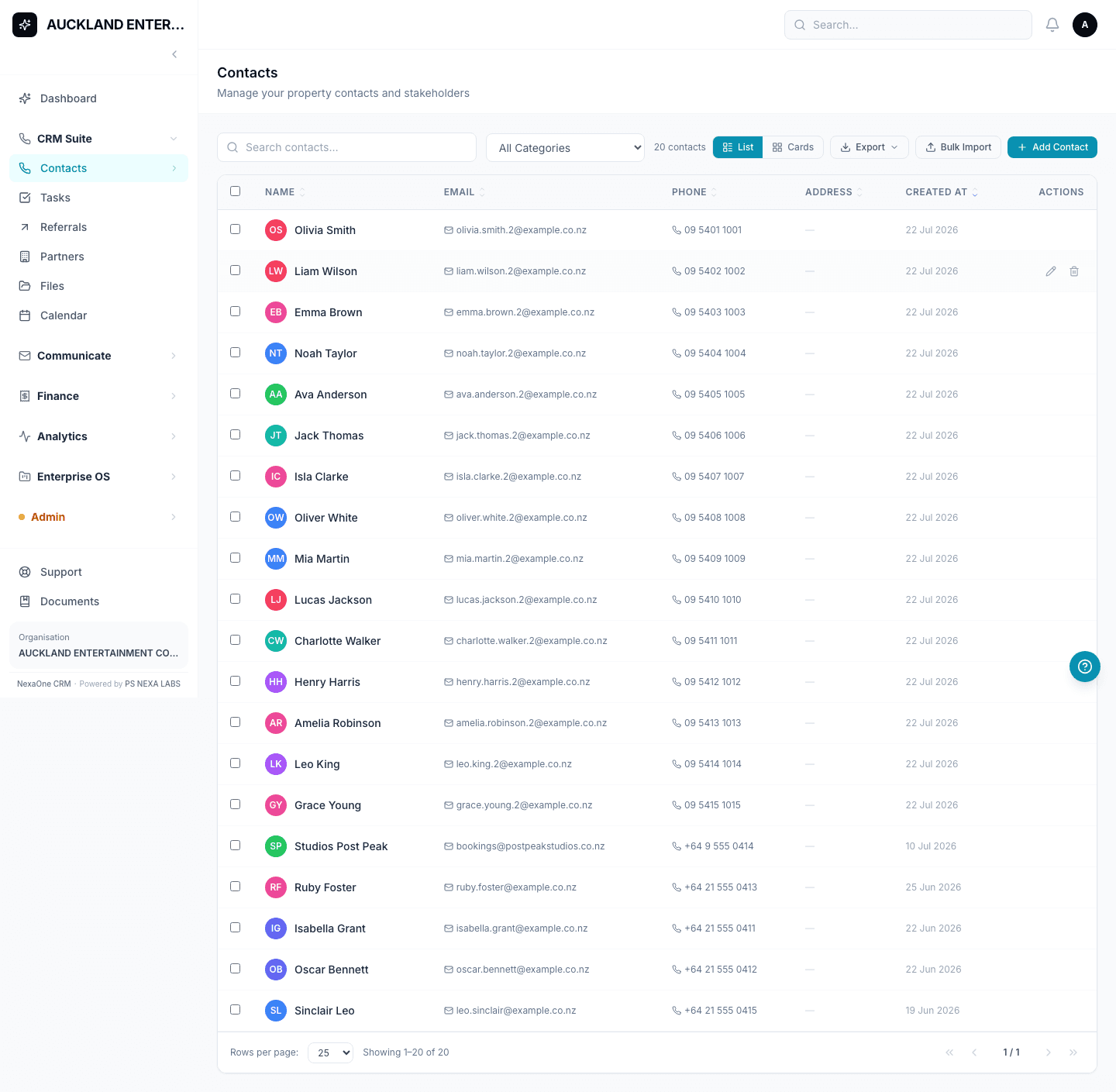
In NexaOne CRM, every person you deal with — a client, a supplier, anyone — is a Contact. Add someone once, and their details, history and documents all live under their name. Type into the search box at the top and you can find anyone by name, email or phone number in seconds.
Adding someone takes ten seconds
Click Add Contact, type a first name, and save — that's genuinely all that's required. Everything else (date of birth, address, email) is optional, and you can fill it in later or leave it blank. Already have a spreadsheet of clients? You don't need to retype them one by one — upload the whole list at once from Admin → Bulk Upload.
Everything about a client, on one page
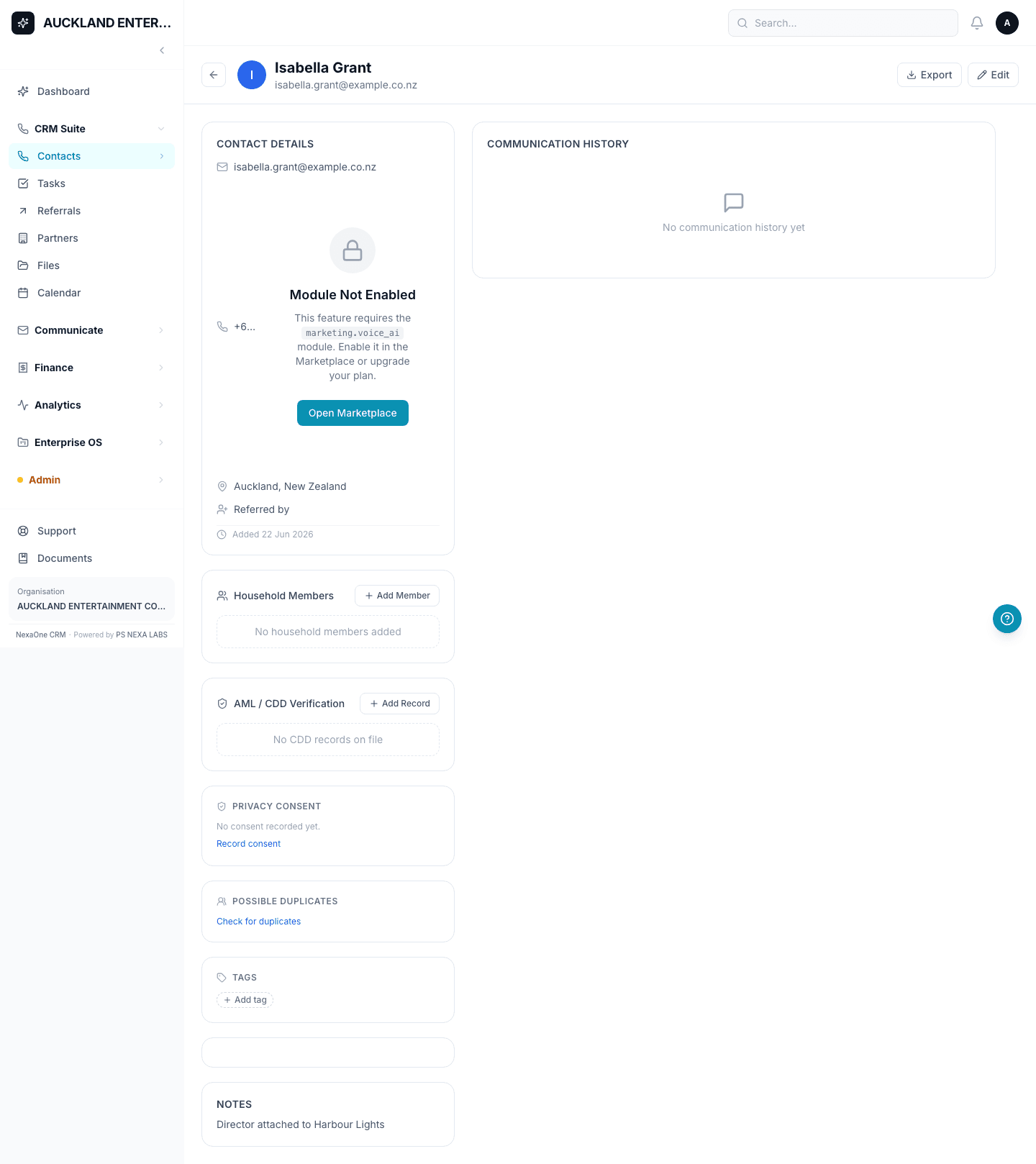
Open any Contact and you'll see their full picture in one place: contact details, notes your team has written, and every email or text that's ever been sent to them. From that same page you can start a loan application, an insurance quote, an invoice, or book a meeting — you never need to go hunting for the same person across five different screens.
Keeping track of referrals
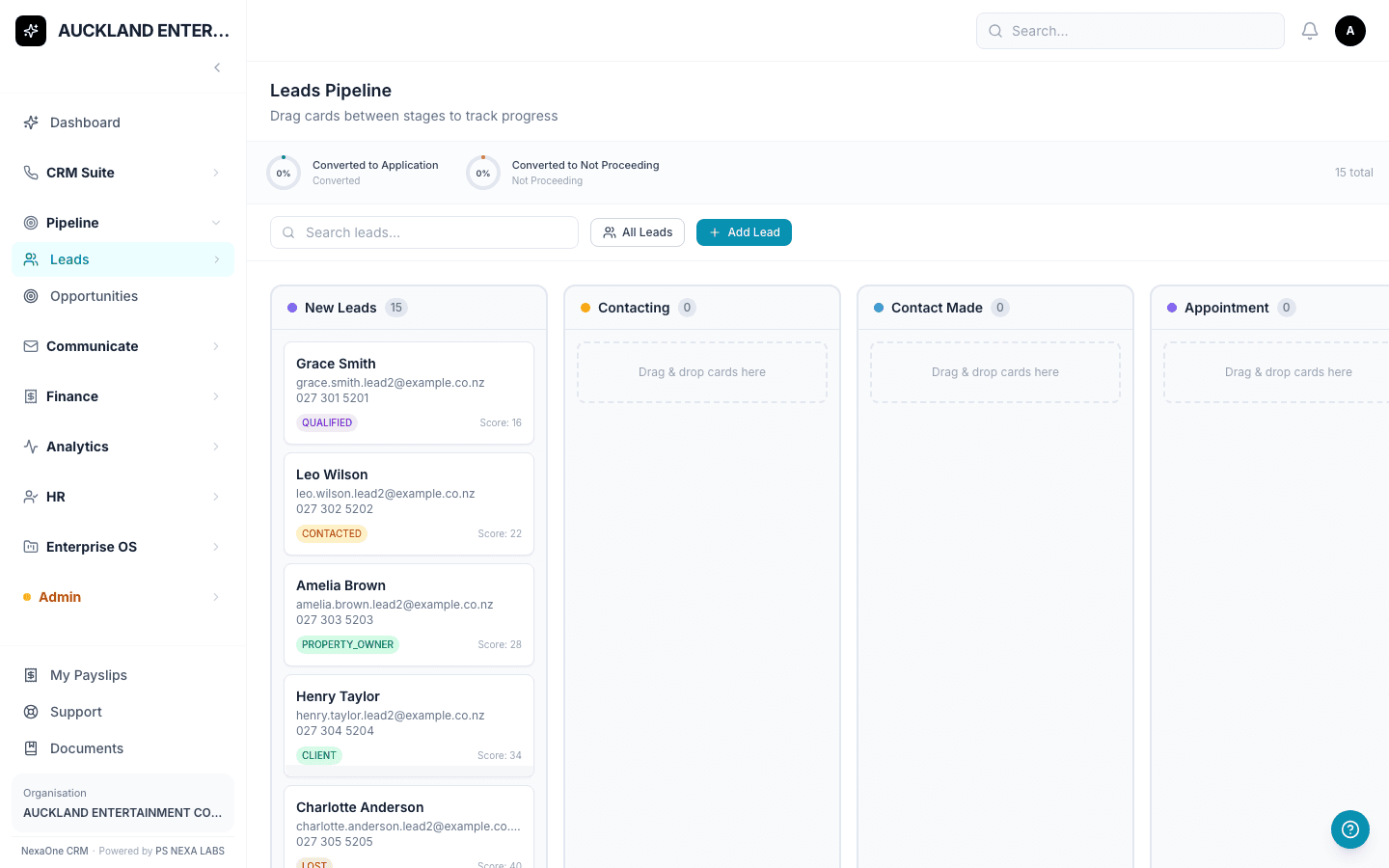
If you regularly swap clients with an accountant, lawyer or another business, NexaOne CRM has a simple way to keep score. Record a Partner (the business you're working with), then log a Referral each time you send someone their way — or they send someone to you. Each referral moves through simple stages — Sent, Acknowledged, Converted — so you always know whether it turned into a real client.
- Contacts — one page per client, shared across your team
- Tasks & Calendar — your to-do list and meetings, next to your client list
- Referrals & Partners — track who you swap business with, and whether it pays off
None of this requires any technical setup. If your team can use email, everyone can be comfortable with this within a day.