Pipeline & Leads
From First Enquiry to Signed Client: A Simple Way to Track Every Deal
Every business loses a few enquiries — not because the offer wasn't good enough, but because nobody followed up. Someone asked a question on a Friday, it got buried in an inbox, and by Monday everyone's forgotten about it. A pipeline is simply a visual way of making sure that never happens.
Leads: people who might become clients
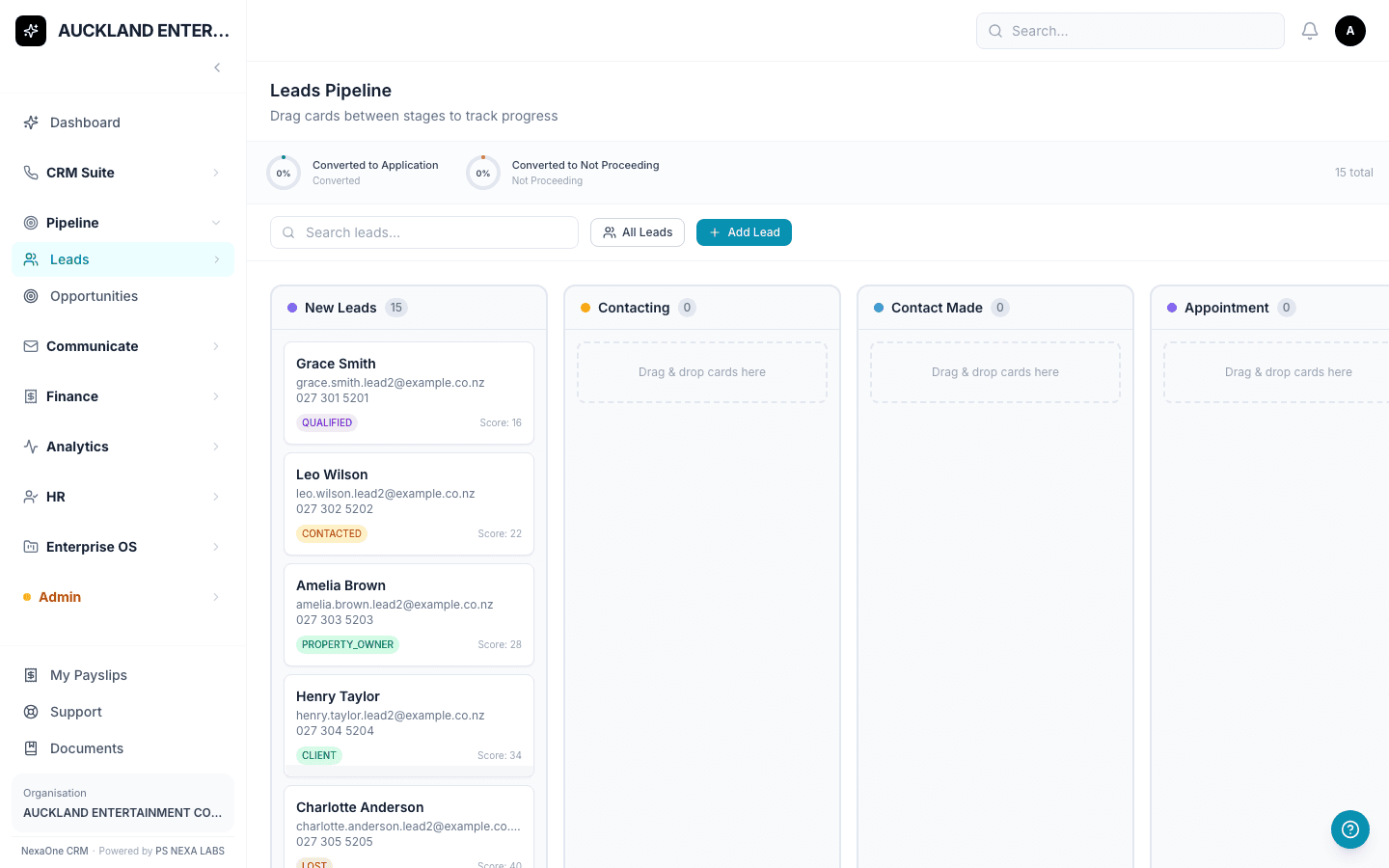
A Lead is anyone who's shown interest before they've signed on as a client. In NexaOne CRM, Leads sit on a board, with each person as a card in a column — New, Contacting, Contact Made, Appointment, and so on. Dragging a card from one column to the next is literally how you track your own progress with them; there's nothing to type or calculate.
A score that tells you who to call first
Every lead gets a Lead Score out of 100, worked out automatically from how much you know about them. Grey means you don't have much to go on yet; green means you've got a strong contact worth prioritising. It's a quick way to decide who to call first thing Monday morning without guessing.
Opportunities: the deals you're actively chasing
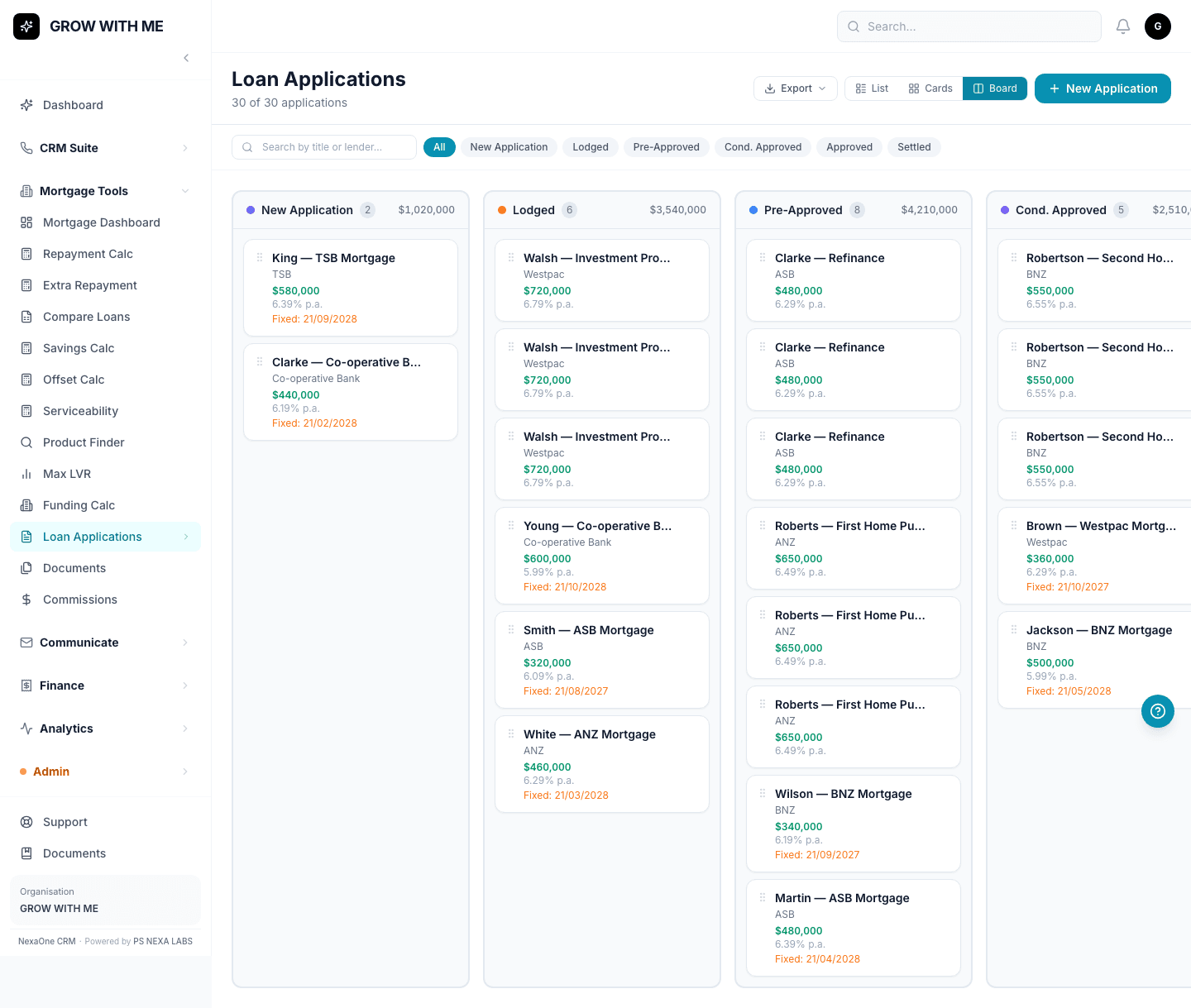
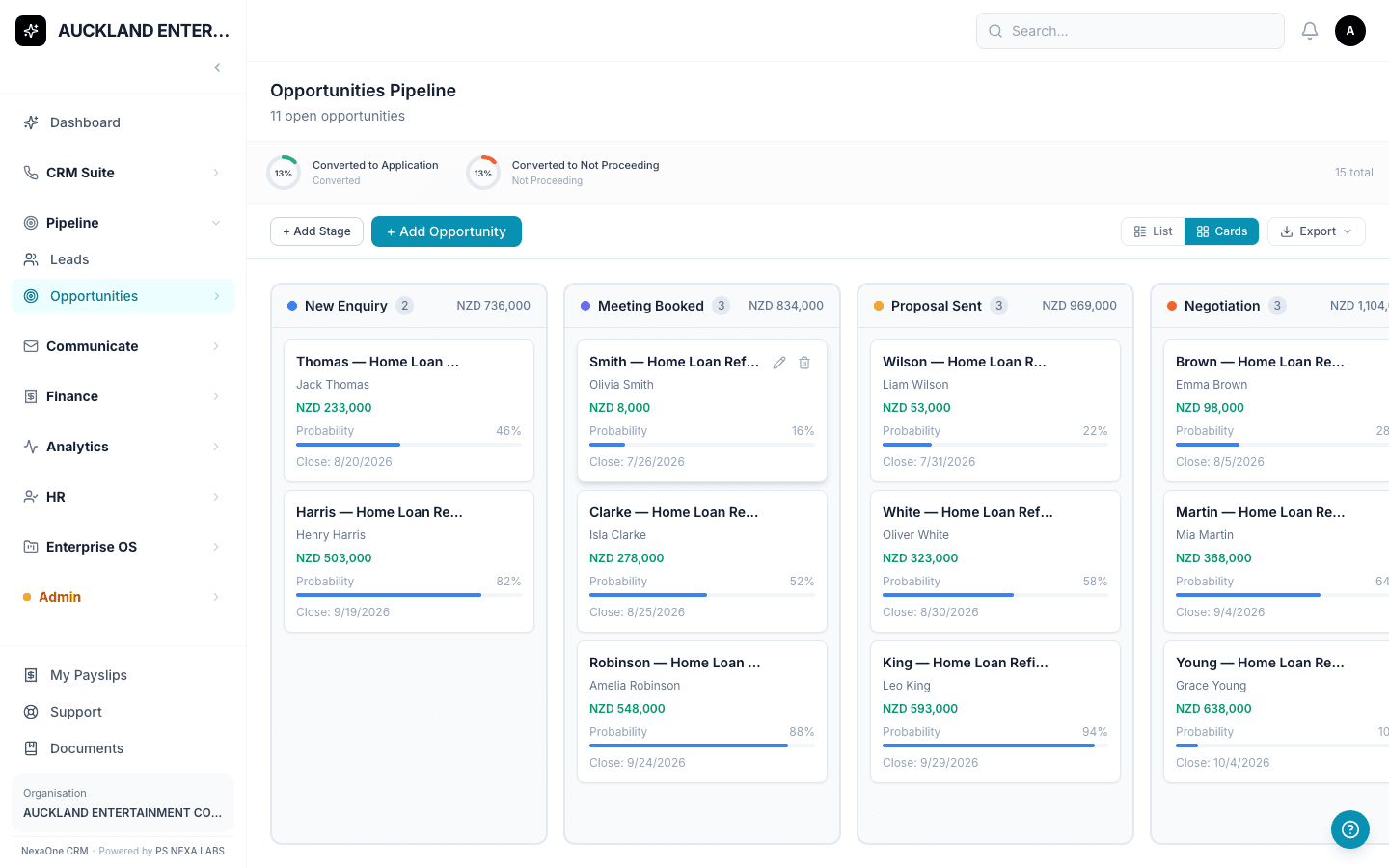
Once a conversation turns into a real, active deal — say, "Acme Ltd — Refinance" — it becomes an Opportunity. These also sit on a board, moving through stages like Proposal Sent or Negotiation, and each card can show its value and how likely it is to close, so at a glance you can see roughly how much business is sitting in your pipeline right now.
Nothing falls through the cracks
Every call, email or meeting with a lead can be logged straight onto their card in an Activity Timeline, so if a teammate picks up the conversation, they can see exactly what's already been said. And once someone becomes a real client, one click — Convert to Contact — links them into everything else: loans, insurance, invoices, all of it.
The point isn't the software — it's that every enquiry gets a home, and nothing sits forgotten in someone's inbox.