Finance
Getting Paid Without the Chase: Simple Invoicing and Expenses
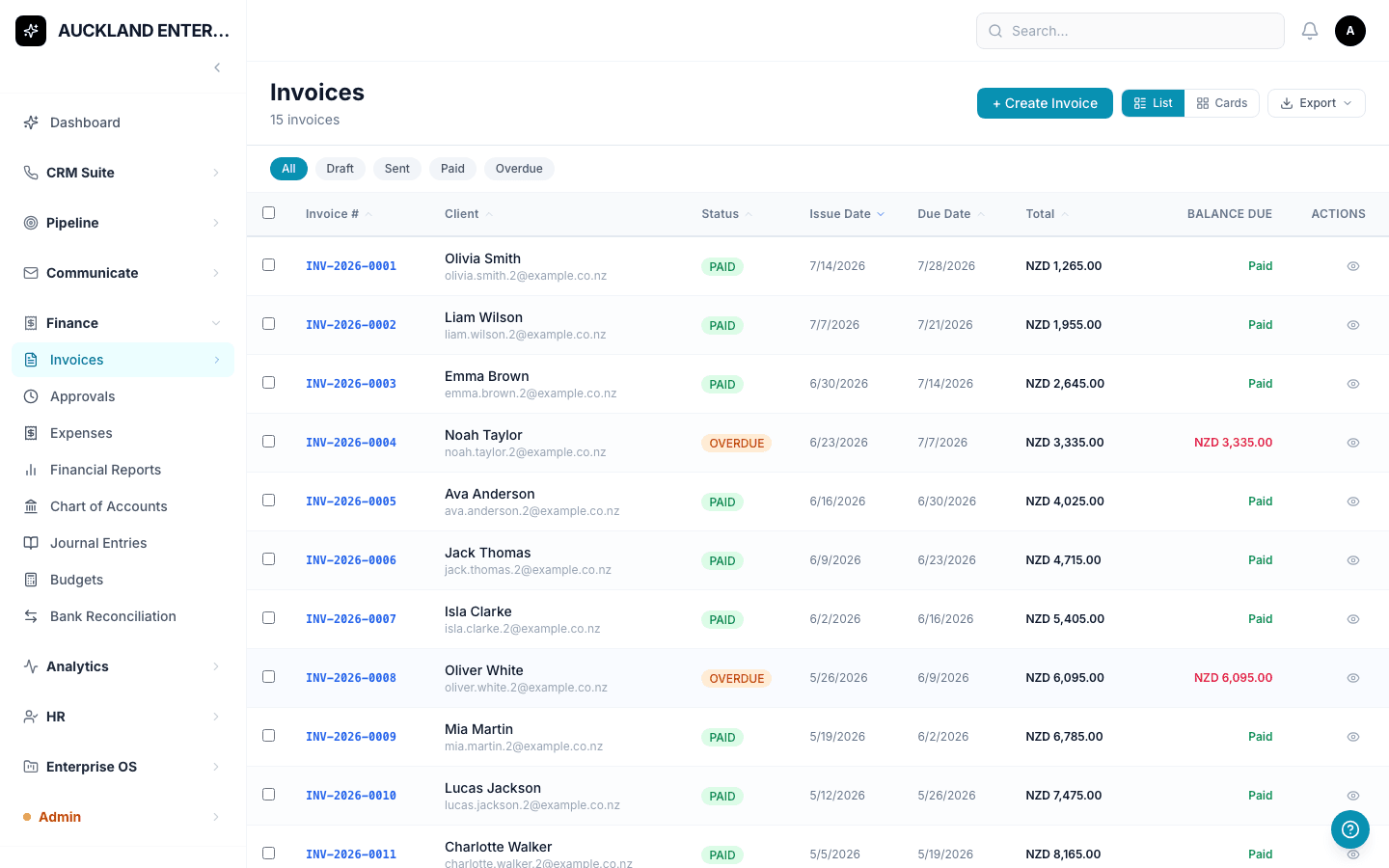
Chasing unpaid invoices is one of those jobs that eats a disproportionate amount of a business owner's week. A big part of the problem is simply not knowing, at a glance, who still owes what. NexaOne CRM's Finance tools are built to make that obvious.
Creating and sending an invoice
Fill in the client's name, add at least one line item — a description and a price — and save. From there, an invoice moves through its own lifecycle automatically: Draft, then (if your business requires sign-off) Pending Approval, then Sent, Viewed, and Paid. If a client hasn't paid by the due date, the system marks it Overdue on its own — nobody needs to check dates by hand.
Tracking what your team spends
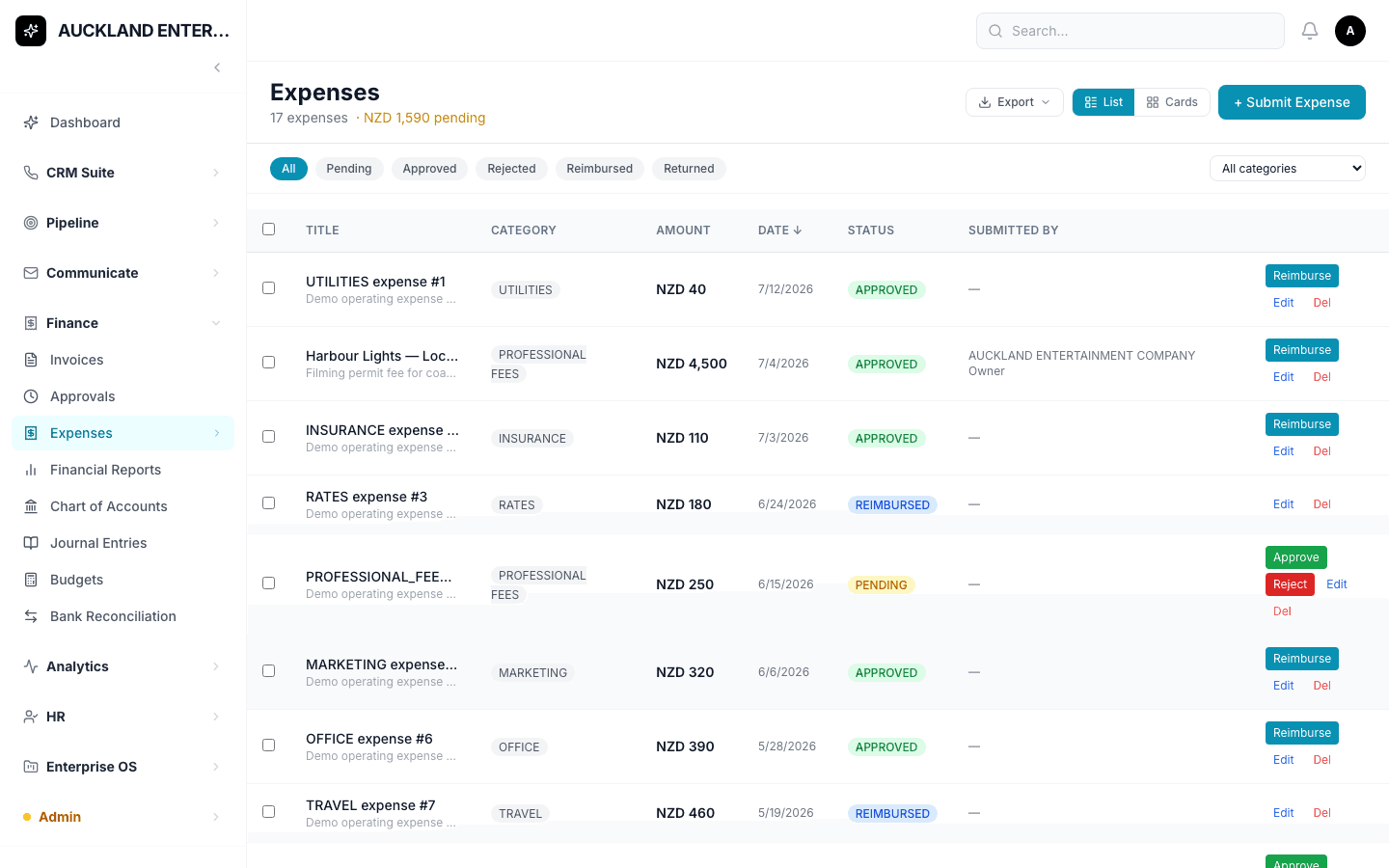
Expenses work the same simple way. A team member submits a title and an amount (the only two required fields), and a manager can Approve, Reject, or mark it Reimbursed once it's been paid back. It's worth keeping receipts somewhere safe for now, since there's currently no way to attach a photo directly to the expense form.
A quick read on how the business is doing
Financial Reports gives a straightforward view of income against expenses, and who owes money and for how long — enough to answer "how are we doing this month?" without needing to be an accountant to read it.
None of this replaces a bookkeeper for the more technical accounting work — but for the everyday job of sending bills and getting paid, it removes most of the manual chasing.